

Simplify your shopping experience with Garmin Pay and ZEN.
Simply fast and safe
Imagine:
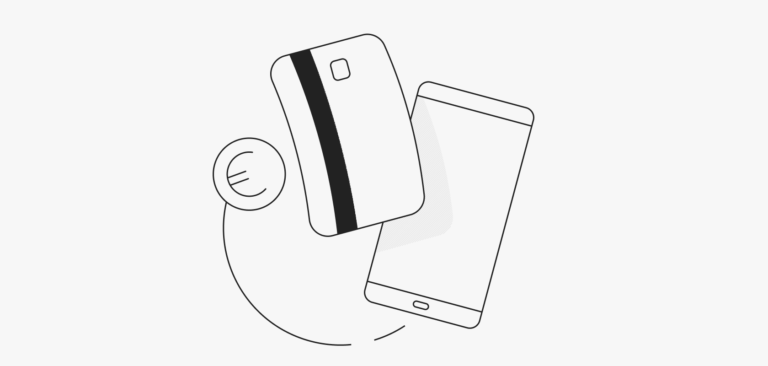
You’ve finished your morning jog and you stop by the cafe for a quick coffee. No cash or cards, no problem! A swift tap of your Garmin smartwatch, and you’re good to go. This is possible when you add your ZEN Mastercard® to Garmin Pay!
Why you’ll love it
- Simplicity: Your cards and cash stay at home. Your Garmin watch is all you need.
- Security: State-of-the-art technology to protect your data and your money.
- Privacy: Your details or card number remain unseen to merchants.
How to add your ZEN Mastercard® to Garmin Pay
- Download the Garmin Connect™ app to your smartphone
- In the Garmin Connect™ app, select Symbol menu
- Set up your Garmin Pay™ Wallet: select Garmin Pay > Get Started
- Follow the on-screen instructions
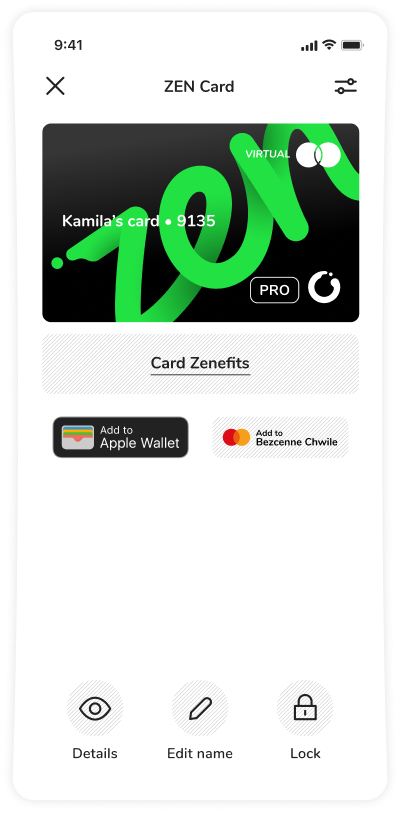
- Add your ZEN Mastercard® to Your Garmin Pay™ Wallet: select Garmin Pay > Symbol menu > Add Card
- Follow the on-screen instructions
Done! You’re ready for easier payments!
Don’t delay, upgrade your payment experience today with Garmin Pay and your ZEN Mastercard®. Because when it comes to payments, you deserve simplicity, security, and privacy!